 01
01We talk
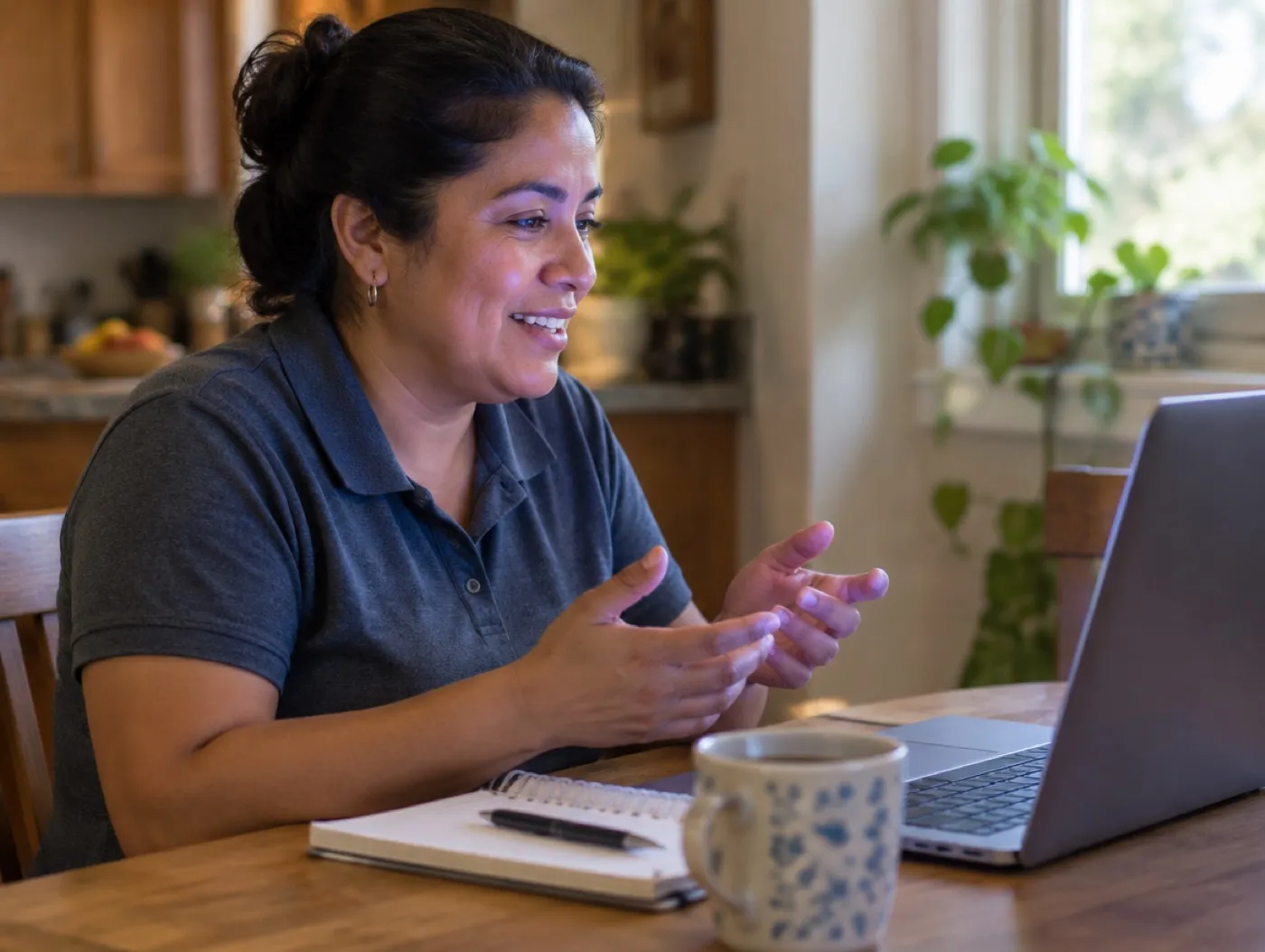
A free consultation about your place, your menu and how often it changes.
- Your part
- Tell us what you serve and what you change most.
- Our part
- We show you what your menu would look like on a phone.
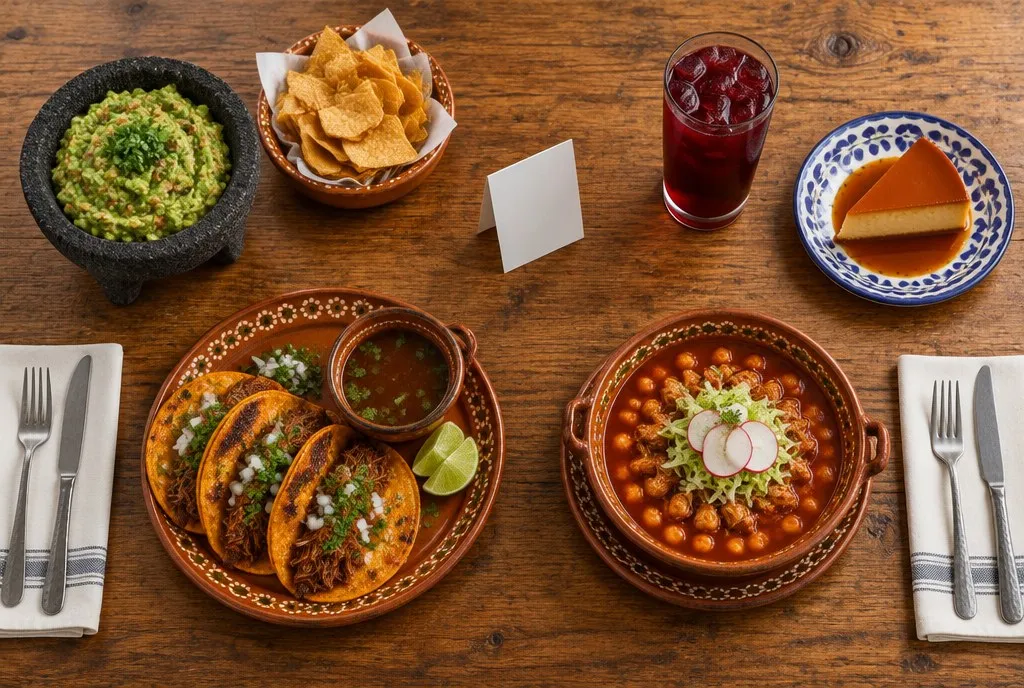
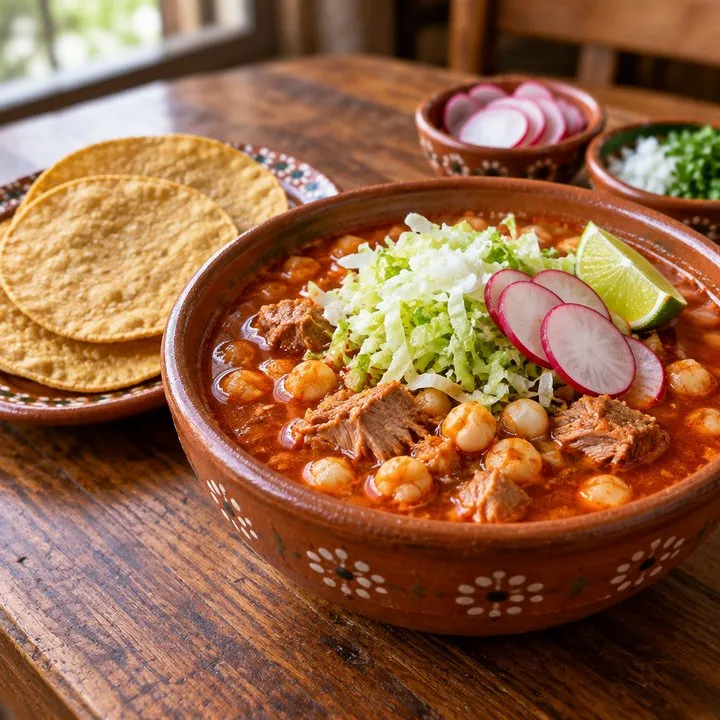
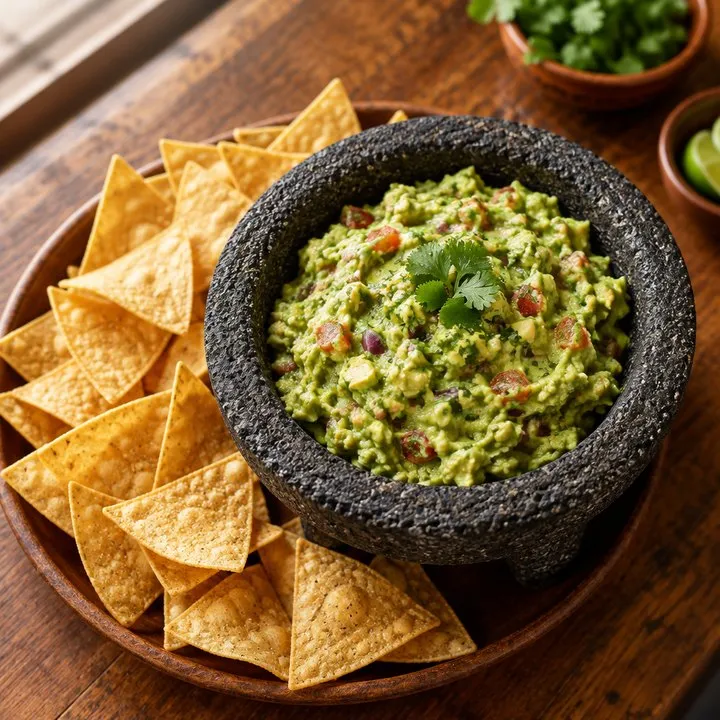
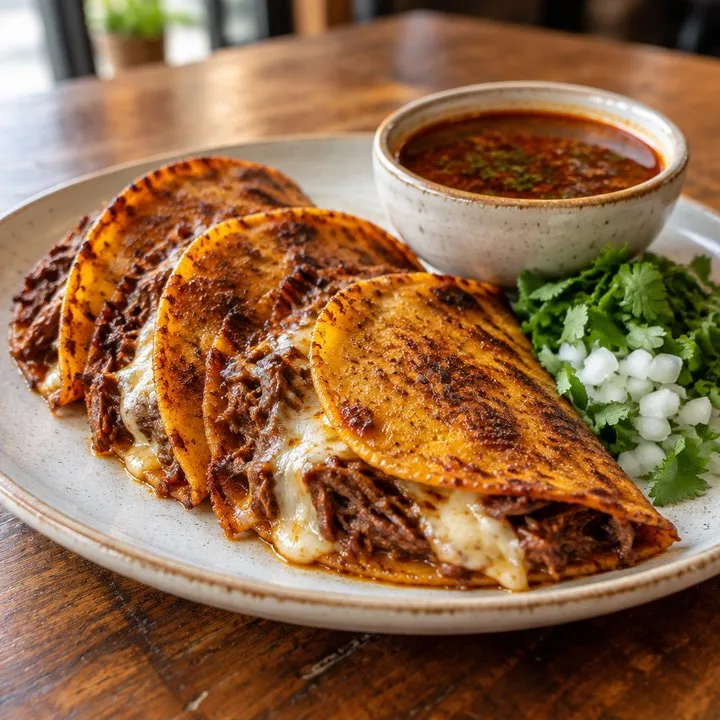
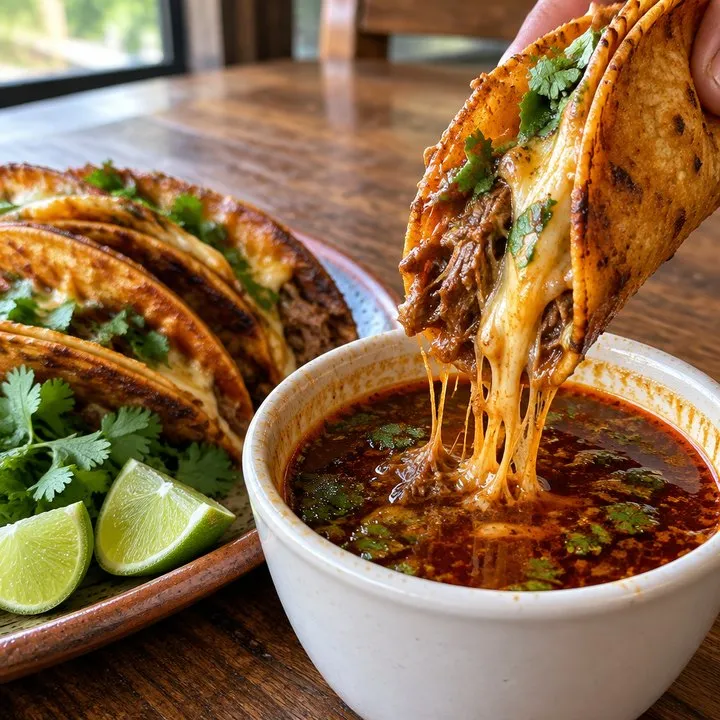
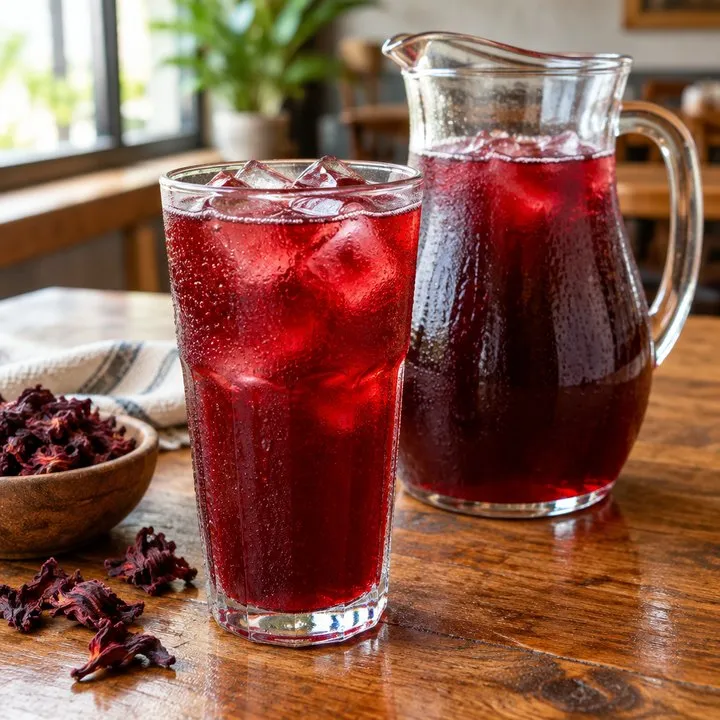
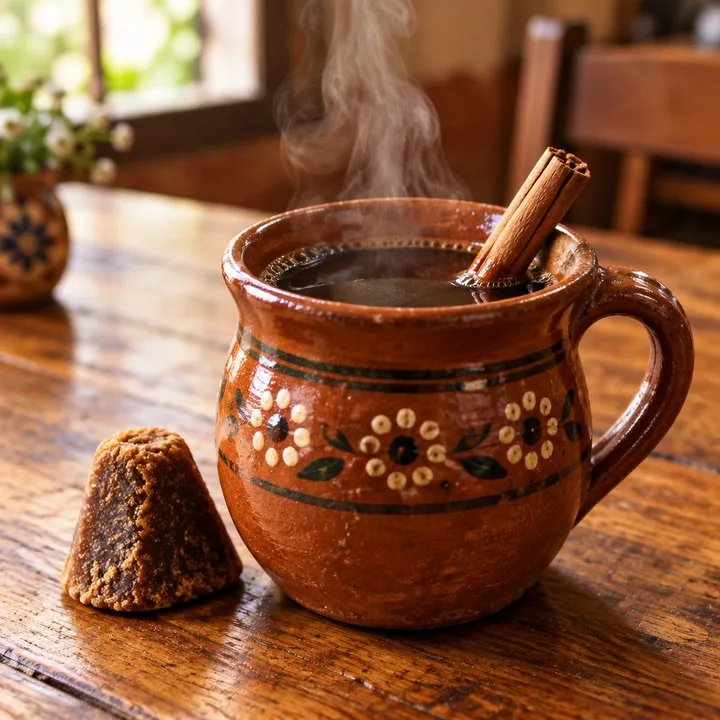
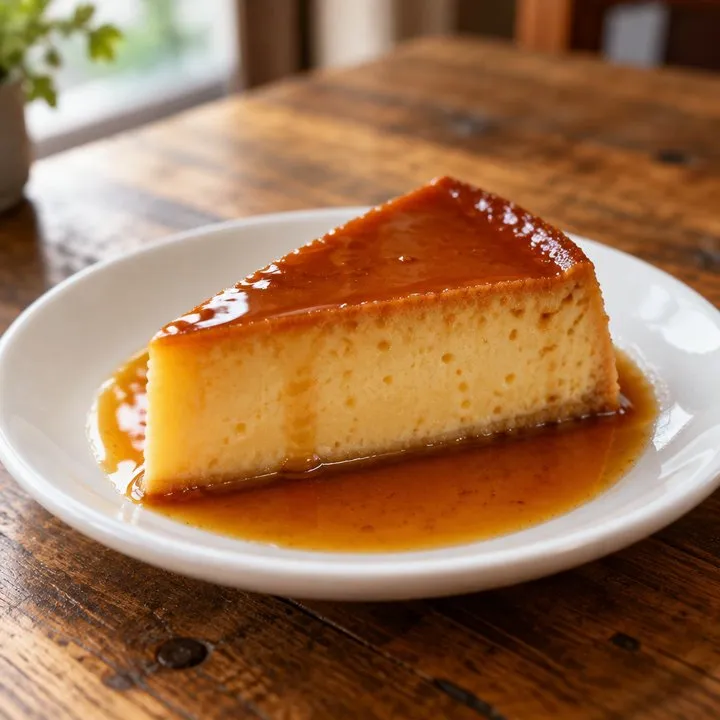
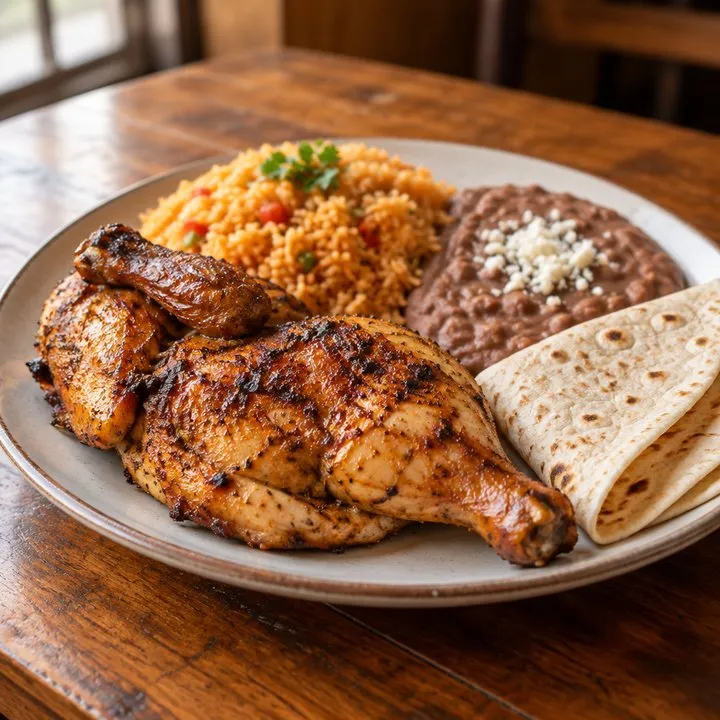
Photo: a restaurant table seen from above, with guacamole, agua de jamaica, flan, birria tacos and pozole, and a card with a QR code in the middle. Beside it, a phone with the restaurant's menu. One dish at a time is marked on the table with its name and price, and the same dish lights up on the menu. The tacos sell out, and both the table and the menu say so.
Your menu with photos of your dishes, on your customers' phones. Change a price, a photo or today's special from your own phone, whenever you want, and they see it right away.
From your phone, in a minute. No one to call and nothing to reprint. This is what you can change:
Illustration: the example menu on a phone, with a photo of each dish. It changes by itself, one thing at a time: a price, a photo, a dish sold out, today's special, a label and a new dish.
A small printed square (it is called a QR code) on every table. It is printed once and never changes: what changes is the menu it opens.
They open their phone's camera, point it at the code and tap the link that comes up. There is no app to download.
Every dish with its photo, its description and its price, made to be read on a phone. No pinching to zoom.
You open your panel, find the dish and turn its switch off. That same moment your customers see "Sold out".
Your server takes the order as always, and the kitchen only gets dishes you still have.
Illustration: a restaurant table seen from above with a QR code stand. A phone scans the code, the menu opens, a dish is marked sold out from the kitchen, and a kitchen ticket prints.
You do not need to know about computers. It is three steps, and you can try them on this example menu.
Your customer's phone
Your phone: your panel
Tap a button
Grilled chicken$16.00
You made 2 changes. Your customers already see them.
On the real menu you make these changes from your own phone.
Already selling on Uber Eats, DoorDash or Grubhub? We put their buttons on your menu, so whoever opens it at home can order right there.
Example illustration: a dish on the menu, with its photo and its price, and under it three buttons to order it on Uber Eats, DoorDash or Grubhub.
| When | Printed menu | PDF or photo | Zeruz digital menu |
|---|---|---|---|
| A price goes up | You reprint, or cross it out in pen. | You redo the file and upload it again. | You change the number from your phone. |
| A dish runs out mid-service | Your server explains it at each table. | It still shows as available. | You mark it sold out and every table sees it. |
| You want a special for today only | A separate sheet, or the chalkboard. | It is not on there. | You add it today and take it off at closing. |
| A customer opens it on a phone | They can't. It is on paper. | They pinch and zoom to read it. | It is made to be read on a phone. |
| Someone wants to see it before coming | They can't. | They see it, maybe with old prices. | They see the same menu your tables see today. |
| You need a hand with it | You call the print shop. | You look for whoever made the file. | You call us and someone answers, in English or Spanish. |
| Someone wants to order from home | They can't. | They have to find you in the app on their own. | They tap the Uber Eats, DoorDash or Grubhub button on your menu. |
One price a month, and it is on the bill below.
Your bill
Digital menu$250
Includes
First month$0
$250a month
First month freeThank you. Come back soon.
The menu is a link, so you can also put it on your Google profile, your Instagram bio and your WhatsApp.
Start with a free consultation01A free consultation about your place, your menu and how often it changes.
 02
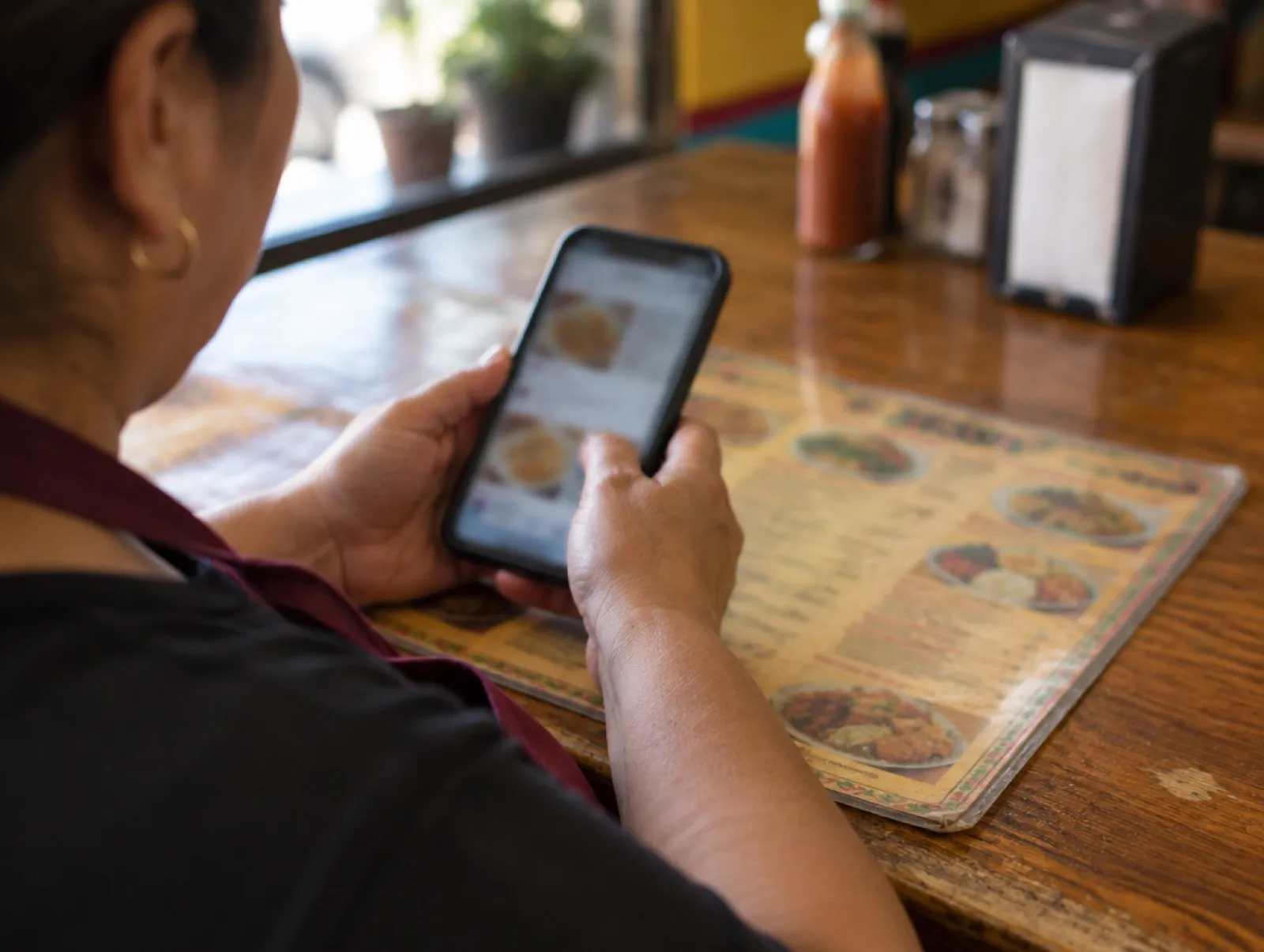
02A photo of the printed one is enough to start.
 03
03Before any customer sees it, you go through it dish by dish.
 04
04From that day on, the menu your customers scan is the one you keep up to date.
If you sell food and your menu changes, this is for you.
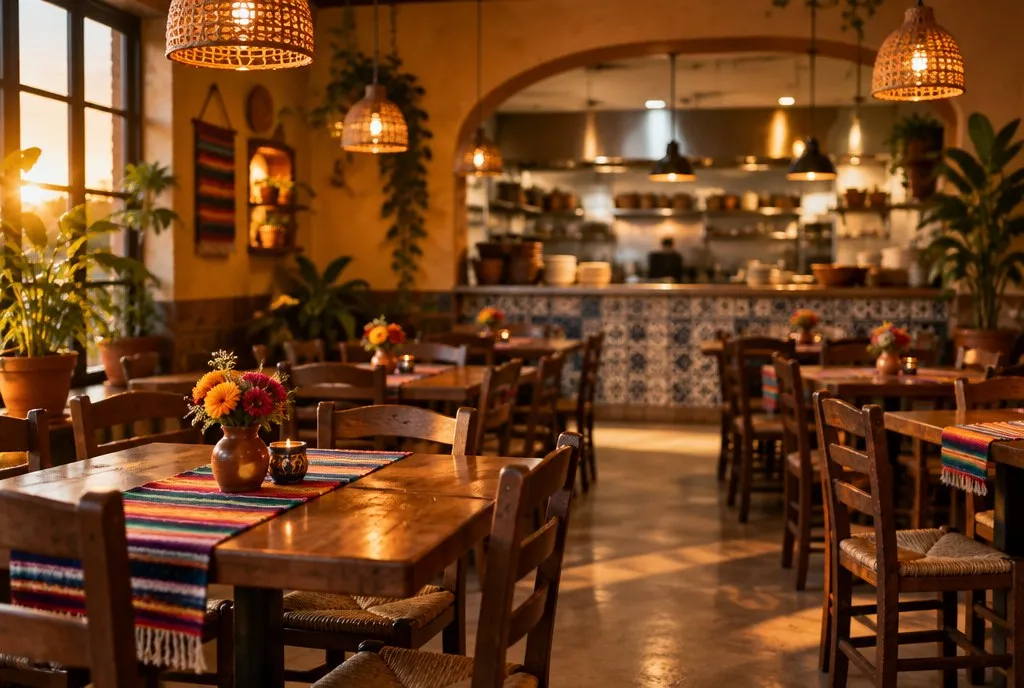 RestaurantsToday's special and new prices, without reprinting.
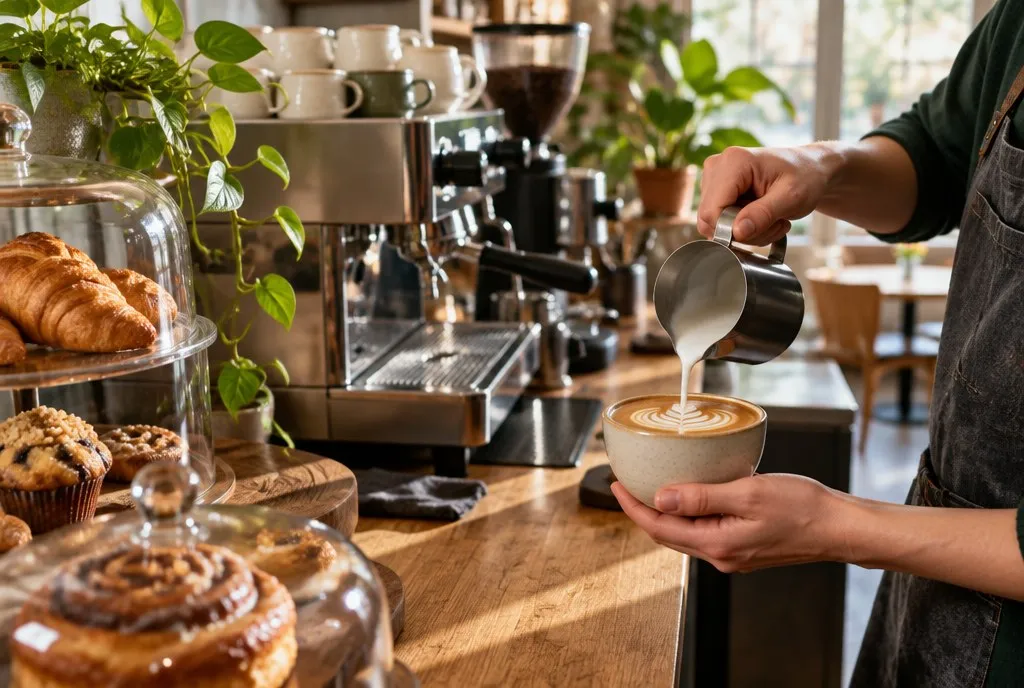 CafésThe seasonal drink goes on today and comes off when the season ends.
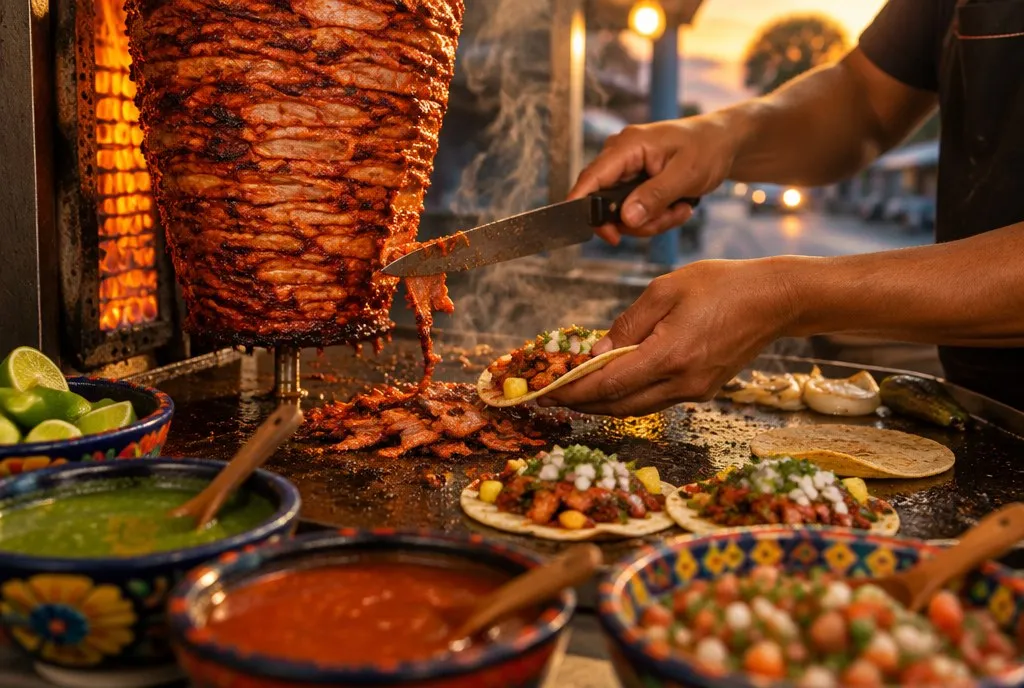 TaqueríasWhen a meat runs out, the menu says so.
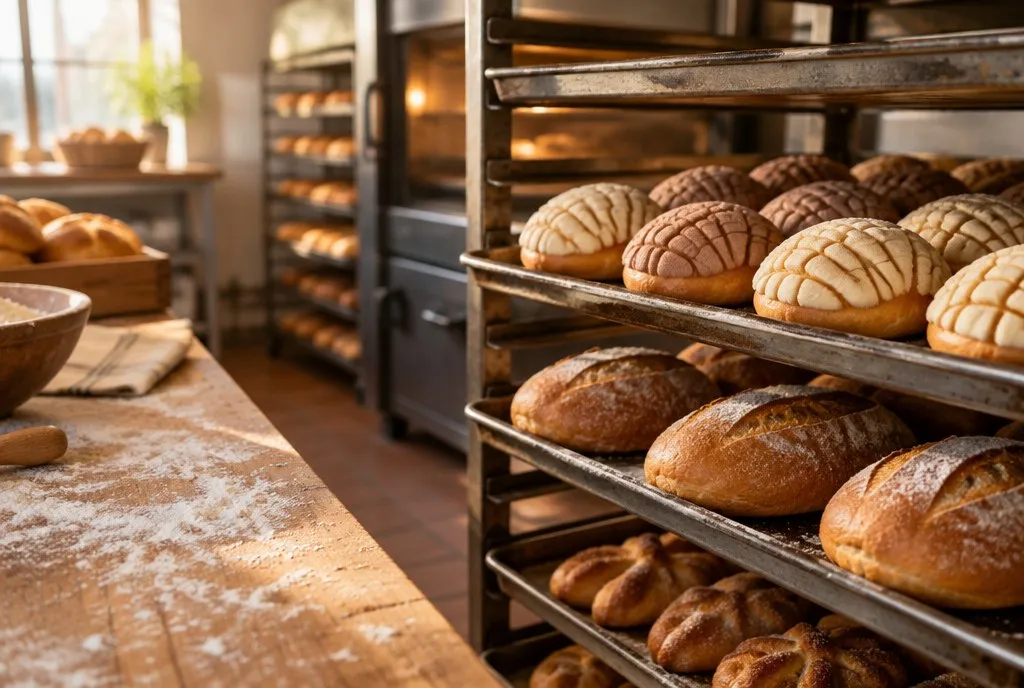 BakeriesWhat came out of the oven this morning, and what is already gone.
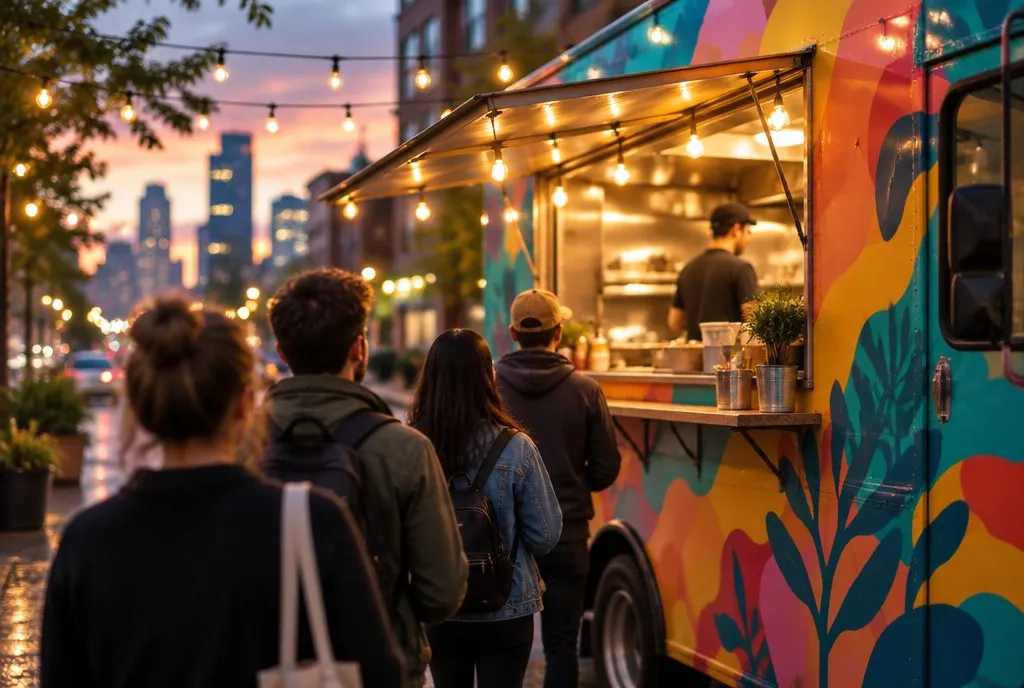 Food trucksA code on the window, so the line reads the menu before it reaches you.
 Another kind of placeTell us how your menu changes and we will tell you if this fits.
Web development
Not a single trick or trendy font. It is a disciplined blend of clarity, performance, trust and intent, because visitors decide whether to stay in seconds.
Marketing
Stop treating two channels as competitors and use them as one search system.
Business
Lower-cost clicks come from a more relevant account, not from slashing bids.
If yours is not here, ask it on the call.
With us you don't make it: we give you the QR code together with the menu it opens. A QR code is only a link turned into a square you can scan, so what matters is the menu behind it. Ours opens a menu you can change from your phone.
Yes, through the apps you already use. If you have an account on Uber Eats, DoorDash or Grubhub, we put their buttons on your menu and the order and the payment happen in that app. The menu does not take orders or payments on its own.
You send us the menu you have, even a photo of the printed one, and we build the digital version with your categories, dishes and prices. You check it on your phone before any customer sees it. After that you change it yourself whenever you need to.
Yes, there are free apps and QR generators, and they work if you want to build and maintain the menu on your own. With Zeruz we set it up with you, show you how to change it and answer the phone when you need help. That costs $250 a month, and the first month is free.
They open the camera on their phone, point it at the code and tap the link that appears. The menu opens in the phone's browser, so they don't need to download an app.
Yes. You change prices, mark dishes as sold out and add today's special from your own phone, and customers see it the next time they open the menu.
Yes. It works for any place that sells food and has a menu that changes: restaurants, cafés, taquerías, bakeries and food trucks. On a food truck the code goes on the window instead of a table.
Yes, and it is a clear one. The terms are in writing from the first day, and we go over them with you before you sign.
Ask it here and we reply within 24 hours. If you already know what you want, get your quote and pick a time for your call.
Start with three quick answers